Overview
BlockchainBench is structured as four OSGi bundles under the Eclipse Plug-in Development Environment (PDE). Each bundle is a self-contained module with an explicit MANIFEST.MF that declares what it exports and what it requires. The design keeps a strict one-directional dependency flow: front ends depend on the core engine and the shared models, the core engine depends on the shared models and the Palladio platform, and the shared models depend on nothing inside the project.
Bundle dependencies
Section titled “Bundle dependencies”flowchart TB Desktop["org.blockchainbench.desktop"] Server["org.blockchainbench.server"] Core["org.blockchainbench.core"] Utils["org.blockchainbench.utils"] Palladio["Palladio blockchainsystems<br/>bscm, core, threesim, doublespending, plugin, loggers"] Mdsd["tools.mdsd standalone init"] EMF["Eclipse / EMF runtime"] Gson["com.google.gson"] Log4j["org.apache.log4j"] Desktop --> Core Desktop --> Utils Server --> Core Server --> Utils Core --> Utils Core --> Palladio Core --> Mdsd Core --> Log4j Utils --> Gson Utils --> Log4j Palladio --> EMF Mdsd --> EMF
Core is the only bundle that references Palladio types. This is deliberate: the front ends and the shared models remain free of simulator dependencies, which keeps them small, fast to compile, and portable across front ends.
The provided interface
Section titled “The provided interface”The single seam between the front ends and the engine is IBlockchainBench, exported from the org.blockchainbench.core.simulation package. Both the desktop and the server bundle import exactly that package and program against the interface, never against SimulationHandler directly (except at the one point where they instantiate it).
flowchart LR
  Desktop -->|uses| I(("IBlockchainBench"))
  Server -->|uses| I
  I -.implemented by.-> Handler["SimulationHandler"]
Threading model
Section titled “Threading model”Concurrency is intentionally minimal, because the underlying EMF and Palladio machinery is not thread-safe.
SimulationHandlerowns a single-threaded executor namedsimulation-worker. Every submitted group is processed sequentially on that one daemon thread, giving a strict FIFO queue and eliminating EMF concurrency hazards.submit(...)returns immediately with asimulationId; the actual work happens on the worker. Status and results are published through thread-safe fields onSimulationInfo(volatilestatus,CopyOnWriteArrayListresults).- Front ends observe progress by polling
getSimulation(id). In the desktop this poll runs on the JavaFX application thread via a one-secondTimeline; any UI update triggered from background work is marshalled back withPlatform.runLater.
Runtime and platform context
Section titled “Runtime and platform context”The engine runs inside an Eclipse Equinox runtime and drives Palladio in standalone mode. Before any simulation, AbstractStandaloneSimulator initialises the standalone environment through the tools.mdsd standalone-initialisation library, which registers project URIs and configures logging.
Two consequences of this platform are worth knowing:
- The
tools.mdsdlog4j initialisation task callsBasicConfigurator.resetConfiguration()and installs a single console appender. It runs once per simulator mode, as part of the cached initialisation. Anything that wants to attach its own log4j appender must do so after that step, because the reset removes all previously registered appenders. - Part of the simulator’s progress output is written straight to
System.outby the Palladio library (for example the Monte-Carlo progress messages), independently of log4j. A front end that wants to mirror the full console output therefore has to observeSystem.out, not only the log4j stream.
Application entry points
Section titled “Application entry points”Both runnable bundles contribute an Eclipse application through plugin.xml:
- Desktop: the application class is
org.blockchainbench.desktop.Launcher, which boots the JavaFX application. - Server: the application class is
org.blockchainbench.server.SimulationApplication, which runs a batch and exits.
These are launched with an Eclipse Application run configuration. See Build and run for the practical steps and the required data layout.
Used technology
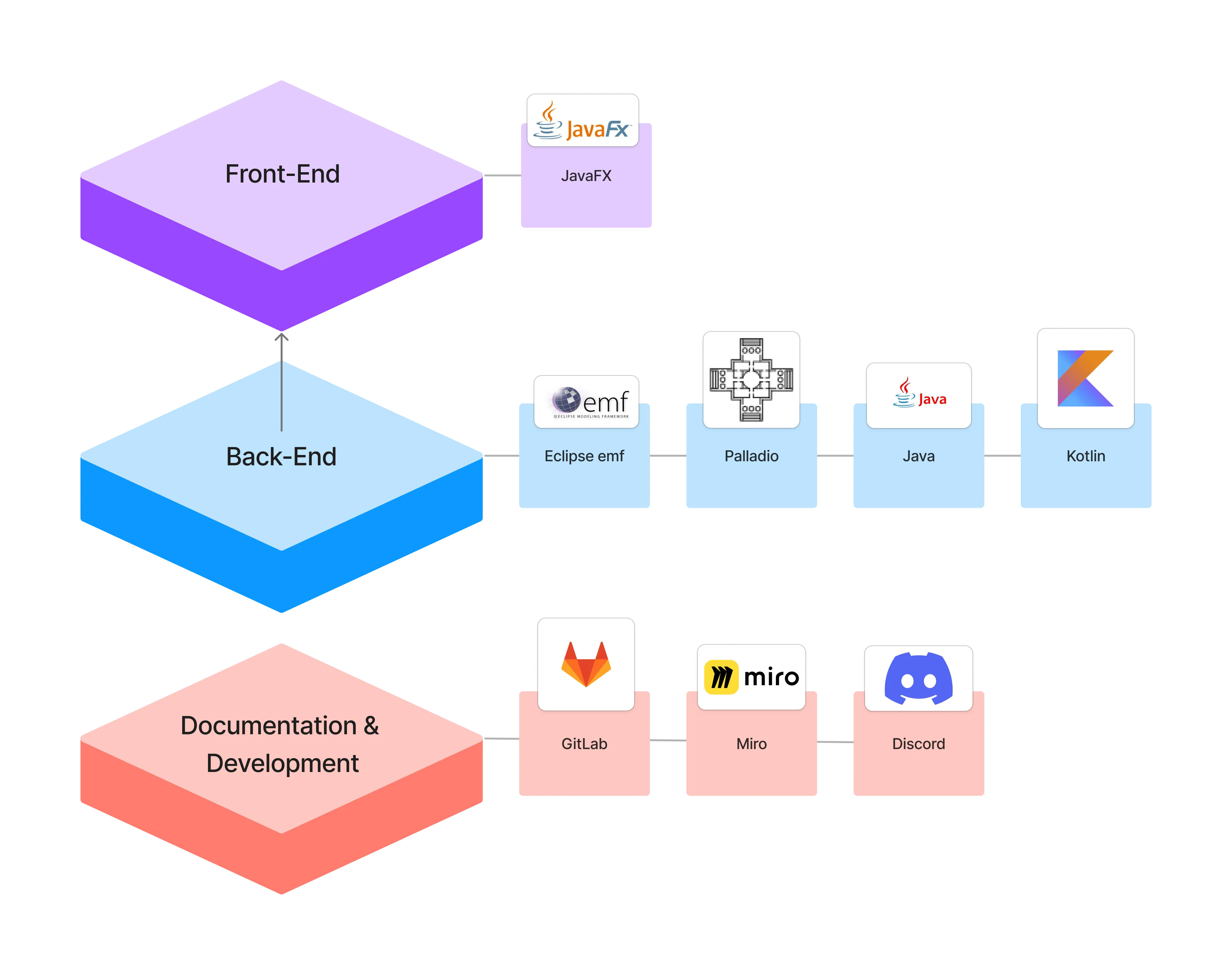
Section titled “Used technology”The front end is written in JavaFX. The back end builds on Eclipse EMF and Palladio, in Java and Kotlin. Documentation and development happen on GitLab, with Miro for sketches and Discord for coordination.